How to Book an LPG Gas Cylinder Online and Complete eKYC: Indane, HP and Bharat Gas
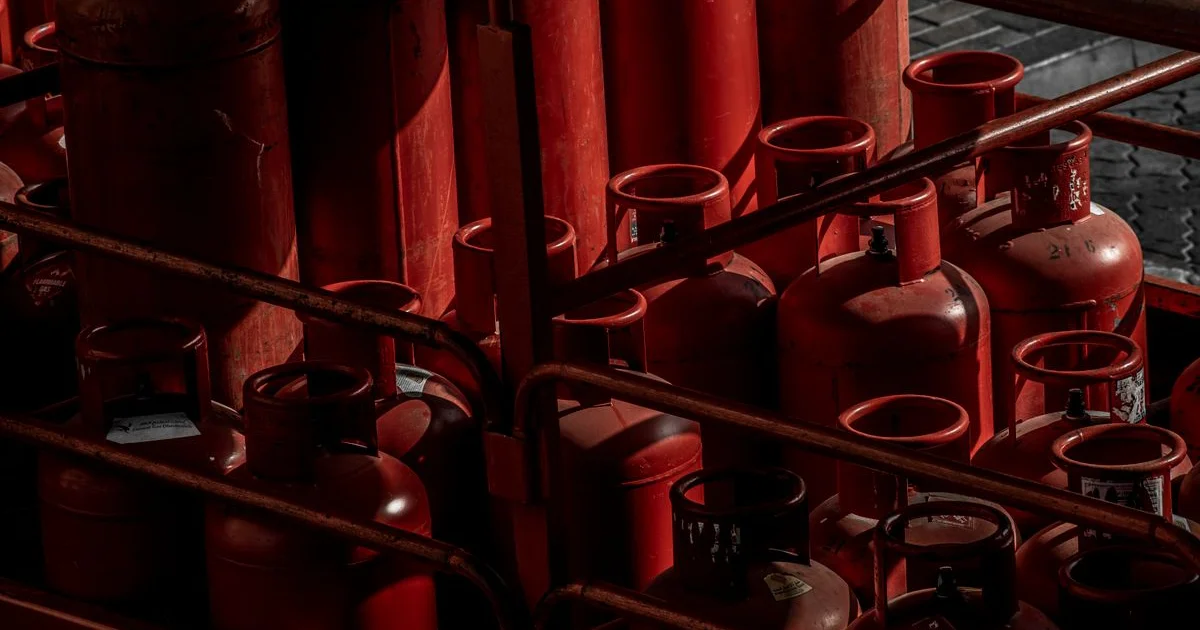
Waiting on hold with a gas agency is no fun, especially when the cylinder runs out in the middle of cooking. Today, you can book an LPG refill on your phone within a minute through your company's app or website. If your booking is stuck or your subsidy has stopped, eKYC may be the missing step.
This guide covers how to book, how to complete LPG eKYC and what to do when your cylinder does not arrive.
Before you begin
Keep these details handy:
- Your LPG consumer number or LPG ID, printed on your gas book or bill
- The mobile number registered with your gas agency
- Your distributor's name
- Your Aadhaar card, for eKYC
If your number is outdated, update it first through your distributor, as bookings and delivery codes go to it.
Book through the official app
- Indane: IndianOil ONE app
- HP Gas: HP Pay app
- Bharat Gas: Hello BPCL app
The steps are similar on each:
- Download the app from the official app store, and check that the publisher is the oil company.
- Register with your mobile number and link your LPG connection.
- Select the refill or booking option.
- Confirm the cylinder and choose your payment method.
- Pay online, or pay on delivery where offered.
- Save the booking reference and track the delivery in the app.
Other ways to book
- Company website: Log in with your LPG account.
- Registered mobile number: Companies offer SMS, IVRS and WhatsApp booking. Numbers are printed on your gas bill or company website, so use those rather than numbers from social media.
- Your distributor: You can still book directly at the agency.
How to complete LPG eKYC
eKYC confirms that the connection belongs to you. Here are the usual ways:
- At the distributor: Go to the agency with your Aadhaar and gas book. Staff can verify your fingerprint or face.
- By the delivery person: Some delivery staff can complete it at home, if they have the device.
- On the company app: Some company apps allow Aadhaar face authentication, along with a separate Aadhaar face verification app.
Usually, the eKYC should be done in the name of the person who holds the connection. If that person has passed away, ask the distributor about transferring the connection.
Gas cylinder not delivered? Try these steps
- Check the booking status in the app.
- Check whether the delivery code (DAC) was sent to your registered number. The delivery person may need this code.
- Contact your distributor with the booking number.
- Use the company's complaint section in the app or website.
- Call the LPG emergency helpline 1906 only for gas leaks and safety emergencies.
How to check your LPG subsidy
If you are eligible for a subsidy, for example under PM Ujjwala Yojana, it goes to your linked bank account. You can check details on the MyLPG portal, or by looking at your bank statement. Check that your Aadhaar and bank account are correctly linked.
Gas safety at home
- Check the seal and weight of the cylinder when it arrives. You can ask the delivery person to weigh it.
- Replace old rubber tubes when they are worn or past their date.
- Turn off the regulator when you are not using it for a long time.
- If you smell gas, do not switch on lights or a stove. Open the windows, turn off the regulator and call 1906 from outside.
Avoid these LPG scams
Scammers send messages saying that your connection will be cancelled unless you click a link and pay. They may also ask you to install an APK file or share your OTP. Your gas company will not ask for your PIN or OTP on a call. If you have lost money, call the cyber crime helpline, 1930, right away.
Common questions
Does eKYC cost money? The oil companies have said it should be free at the distributor, but ask if someone charges you.
Can I change my distributor? Yes, the portability option is available through the company portal, subject to availability.
What if my number is not registered? Visit your distributor with your gas book and ID to update it.
Official links
Last checked: 3 November 2026.